Meme soundboards have become a popular way to add humor to online conversations, streams, and social media content. These digital tools allow you to play short, funny audio clips instantly at the click of a button, making any interaction more entertaining. The best part is that you don’t need to be a tech expert to create your own meme soundboard. With the right approach, you can have a personalized soundboard ready in just a few minutes.
Choosing Your Meme Sounds
The first step in building a meme soundboard is selecting the audio clips you want to include. These can be anything from famous catchphrases, cartoon sound effects, viral sounds, or even original recordings. When choosing your sounds, consider both humor and timing. Sounds that are short, loud, or exaggerated often work best because they are instantly recognizable and easy to trigger during conversations or streams.
It’s also a good idea to organize your sounds by category or mood. For example, you could have a section for reactions, like “fail” or “wow,” and another section for popular viral sounds. Categorizing makes it easier to find the right sound when you need it and gives your soundboard a more polished feel.
Selecting the Right Tool
Next, you’ll need to choose a tool or platform to build your soundboard. There are several user-friendly applications and websites designed specifically for creating soundboards, some of which are free to use. Many of these tools allow you to upload your audio files directly and assign them to buttons that can be clicked or triggered with keyboard shortcuts.
When selecting a tool, consider compatibility with your devices and ease of use. Some soundboards are web-based, making them accessible from any browser, while others are downloadable software for Windows or Mac. If you plan to use the soundboard during live streams, look for one that integrates smoothly with streaming software like OBS Studio.
Uploading and Assigning Sounds
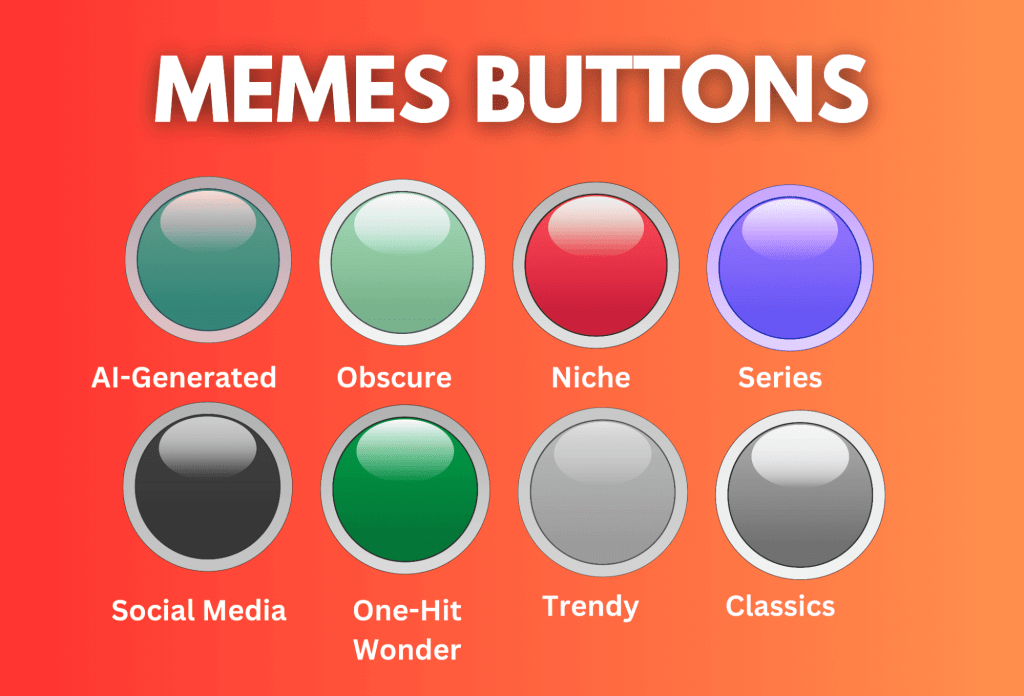
Once you’ve chosen your tool, the next step is uploading your audio clips. Most soundboard apps allow you to drag and drop files or import them from your computer. After uploading, you can assign each sound to a button. Many tools let you customize the button appearance with labels or colors, which helps you quickly identify the clip you want to play.
For a more dynamic experience, consider setting up keyboard shortcuts for your most-used sounds. This allows you to trigger them instantly without needing to click on the interface, which is especially useful for live content or gaming sessions.
Testing and Refining
Before sharing or using your soundboard, take a few minutes to test it. Play each sound to ensure it works correctly and adjust the volume if necessary. Some sounds may need trimming to get the perfect timing or to remove silence at the start or end. Refining these details ensures a smooth and enjoyable experience whenever you use your soundboard.
It’s also helpful to get feedback from friends or viewers. They may suggest additional sounds or improvements that make your soundboard even more entertaining. Continuous updates keep your soundboard fresh and relevant, making it more fun to use over time.
Using Your Soundboard Effectively
Once your meme soundboard is ready, it’s time to put it to use. Share it in group chats, use it during live streams, or even incorporate it into video projects. The key is timing—playing the right sound at the right moment maximizes the comedic effect. Don’t overuse sounds, as this can reduce their impact, but strategically placing them can elevate any online interaction.
In conclusion, building your own meme soundboard is simple, quick, and fun. By carefully selecting audio clips, using the right tool, organizing buttons, and testing your setup, you can create a personalized soundboard in just a few minutes. With practice and creativity, your soundboard can become a go-to source of laughter for you and your friends, adding a new layer of humor to every conversation.
For more information, visit https://memesoundbutton.com/
 Meme Soundboards